Windows and Office licenses, sent to your inbox.
Choose your product, pay at checkout, and get your license key by email with steps to activate it. Stuck? Write to us and we’ll help.
Your order is ready
Here is your license key and activation guide. Example only:
Reply to this email if activation doesn’t work.
Digital software
Shop by category.
Featured software
Prices start from the amounts below. Where you need to pick an edition, the button opens the product page.


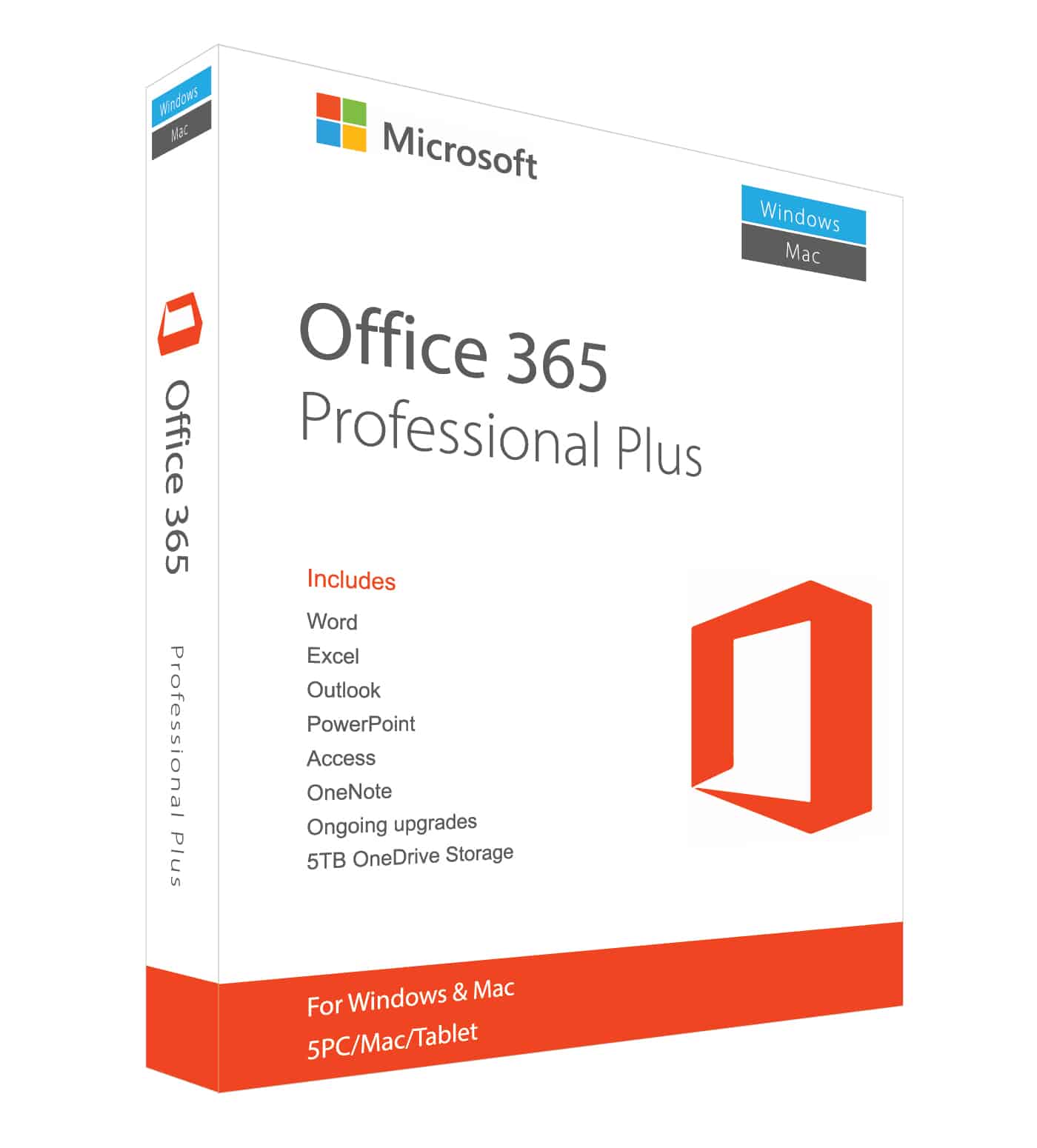


How it works
Four steps, usually a few minutes from payment to activation.
- ChoosePick your product and edition.
- PayCheck out securely.
- ReceiveYour key arrives by email.
- ActivateFollow the guide, or ask us for help.
What you can count on
Clear terms, written down before you buy.
Questions
Short answers. More on the FAQ page.
How fast will I get my key?
Keys are sent by email after payment. Check your spam folder if you don’t see it, then write to us.
What is the difference between Retail, OEM, and Bind?
Retail licenses can usually be moved to another computer. OEM licenses stay with the first computer they are activated on. Bind licenses are linked to your Microsoft account. Check the product page for the type you are buying.
Can I use one key on several computers?
Not unless the product page says so. One license normally covers the number of devices stated there.
What if my key doesn’t activate?
Email us your order number and a screenshot of the error. We’ll help you fix it or replace the key under our refund policy.
Need help choosing?
Tell us what you’re installing and we’ll point you to the right edition.
Instantdigi@hotmail.com WhatsApp us Contact page